Making a Waterproof Connection with Butt (Crimp) Connectors
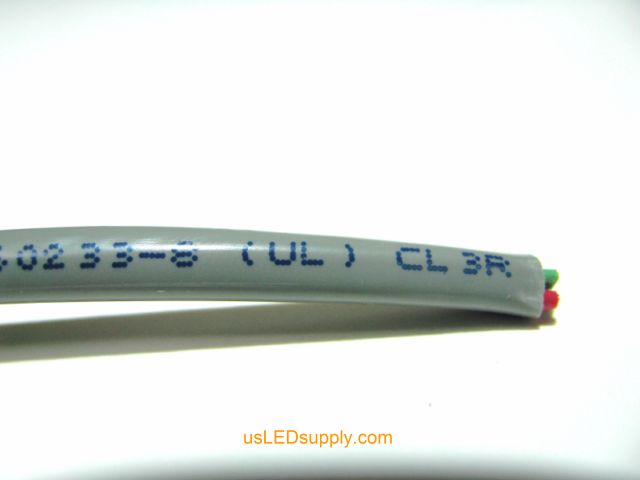
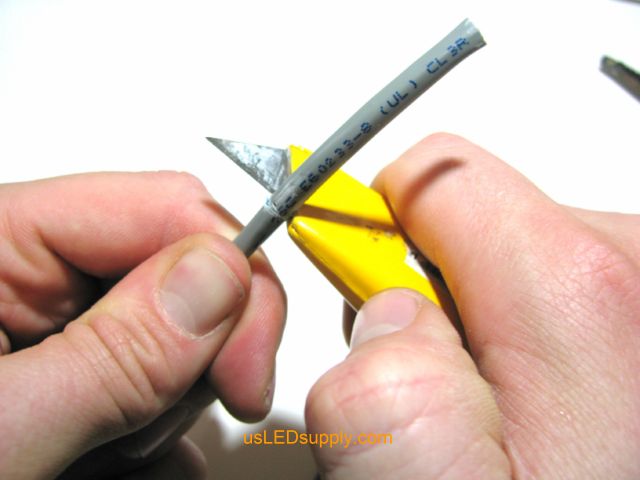
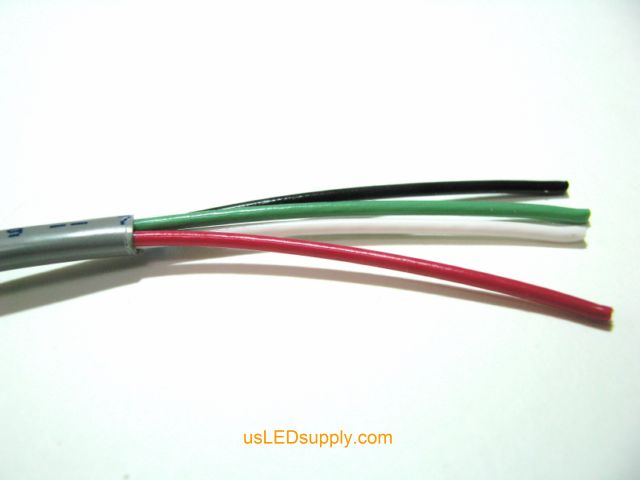
This process applies to connecting flex strip to flex strip, control cable to flex strip, or control cable to control cable. For example’s sake, the following instructions will be demonstrating the connection between control cable and single color flex strip. When using a three-wire butt connector, the process is the same. The three-wire butt connector is used when two or three wires need to be connected. The two or three wires must be fully inserted into the butt connector before crimping. See steps and example pictures below. −− • • −− • • −− • • −− • • −− • • −− • • −− • • −− • • −− • • −− • • −− • • −− • • −− • • −− • • −− • • −− • • −− • • −− • • −− • • −− • • −− • • −− • • −− • • −− Step #1: Strip the control cable sheath back approximately 2”. You will have four smaller wires.
 |
 |
 |
−− • • −− • • −− • • −− • • −− • • −− • • −− • • −− • • −− • • −− • • −− • • −− • • −− • • −− • • −− • • −− • • −− • • −− • • −− • • −− • • −− • • −− • • −− • • −−
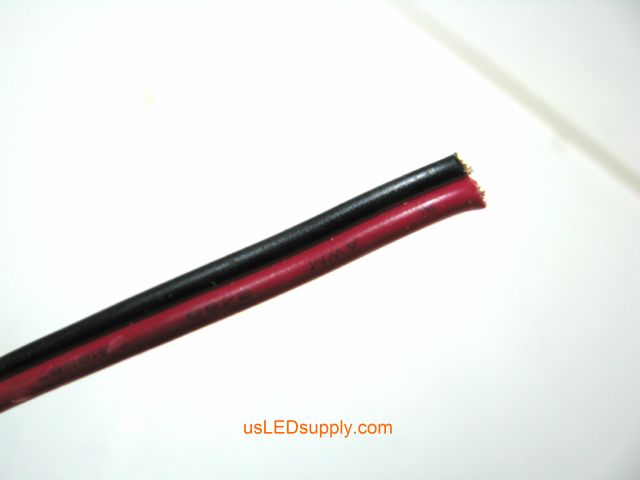
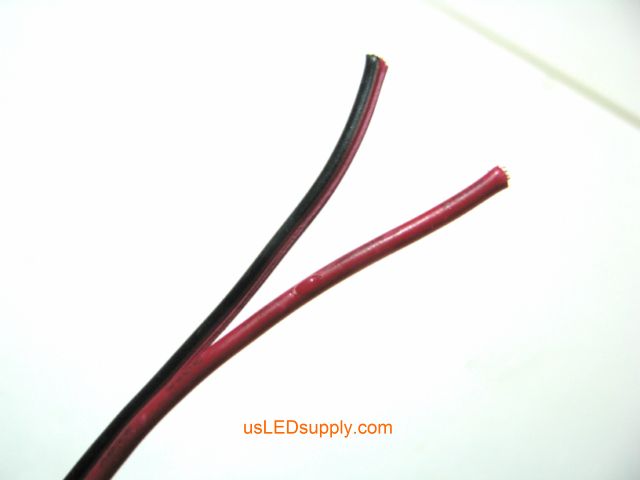
Step #2: Cut off the stripped ends of the wire on the flex strip. Peel apart the wires an inch back.
 |
 |
−− • • −− • • −− • • −− • • −− • • −− • • −− • • −− • • −− • • −− • • −− • • −− • • −− • • −− • • −− • • −− • • −− • • −− • • −− • • −− • • −− • • −− • • −− • • −−
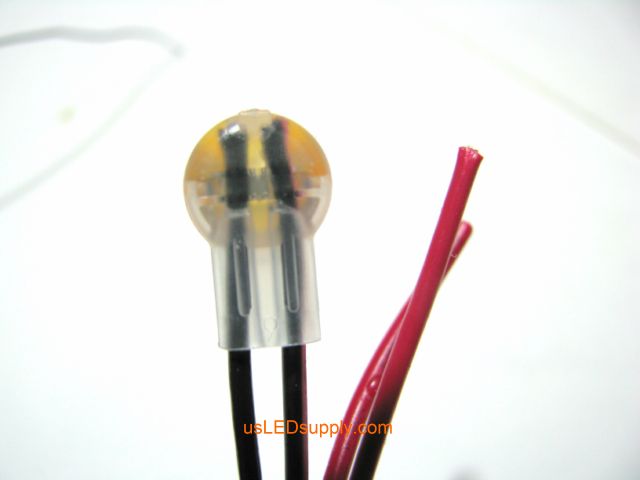
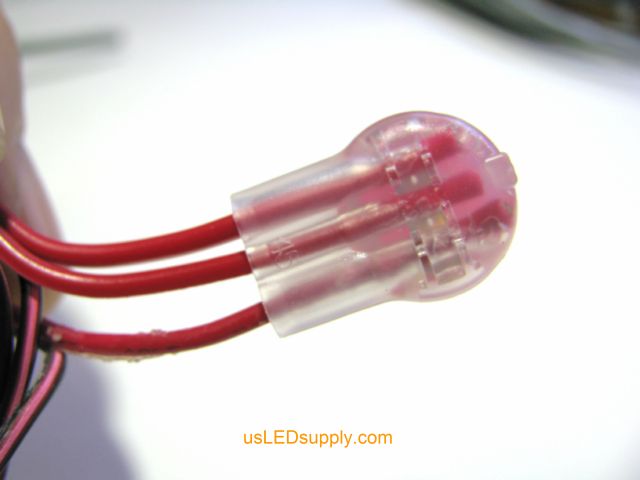
Step #3: Insert both black wires the entire way into the butt connector (one from control cable, one from flex strip).
|
|
|
|

−− • • −− • • −− • • −− • • −− • • −− • • −− • • −− • • −− • • −− • • −− • • −− • • −− • • −− • • −− • • −− • • −− • • −− • • −− • • −− • • −− • • −− • • −− • • −−
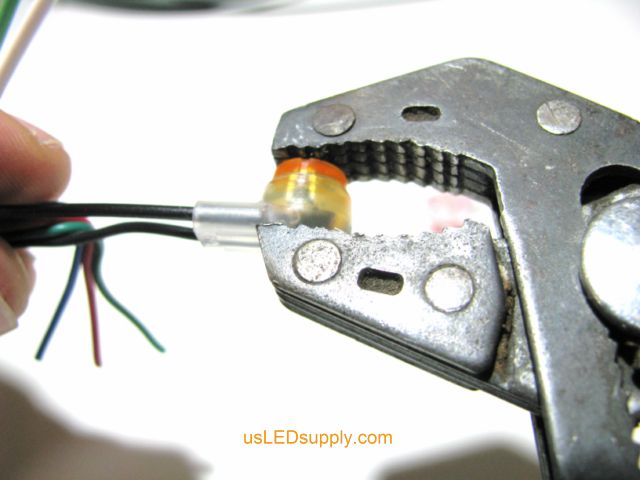
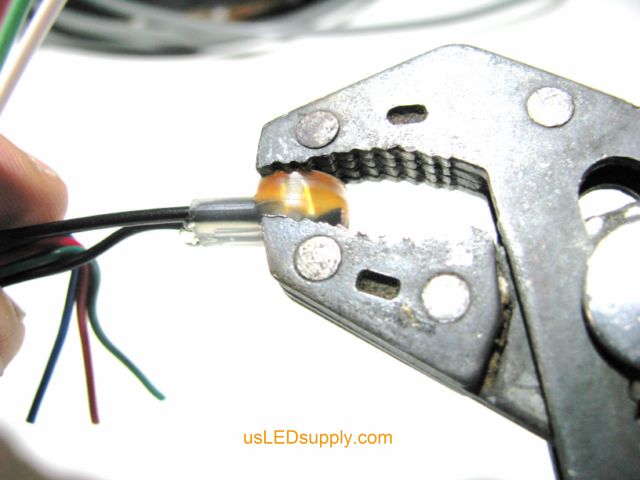
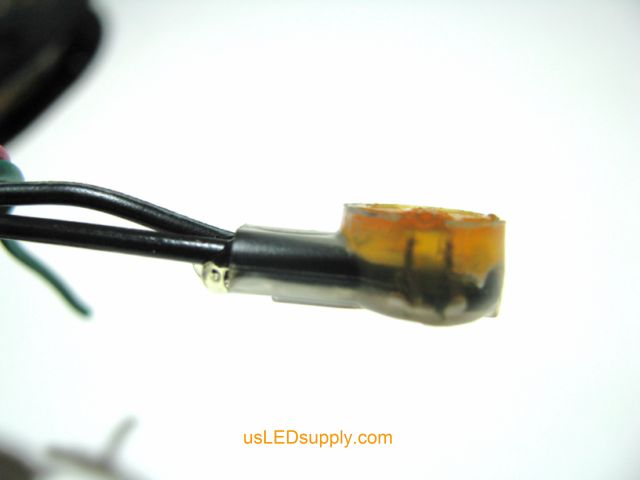
Step #4: With wires fully inserted, crimp the butt connector with Channel-Lock or Robo-Grip type pliers.
 |
 |
 |
−− • • −− • • −− • • −− • • −− • • −− • • −− • • −− • • −− • • −− • • −− • • −− • • −− • • −− • • −− • • −− • • −− • • −− • • −− • • −− • • −− • • −− • • −− • • −−
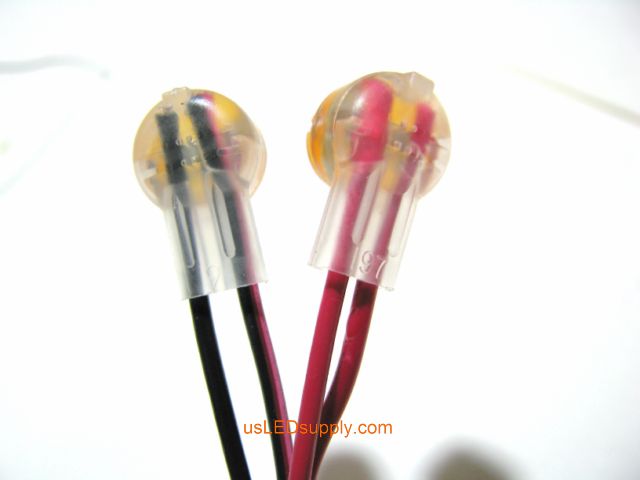
Step #5: Repeat the process for the other wire pair (red).
|
|
−− • • −− • • −− • • −− • • −− • • −− • • −− • • −− • • −− • • −− • • −− • • −− • • −− • • −− • • −− • • −− • • −− • • −− • • −− • • −− • • −− • • −− • • −− • • −−
−− • • −− • • −− • • −− • • −− • • −− • • −− • • −− • • −− • • −− • • −−
|
|